- Author
- 06 November 2025
Best 3D Scanners for DIY, Handheld, and App-Based Scanning
3D scanning has become more accessible than ever, with a wide range of options available for hobbyists, professionals, and businesses. Whether you are looking for a handheld device, a smartphone app, or an affordable DIY solution, there’s a 3D scanner tha
3D scanning has become more accessible than ever, with a wide range of options available for hobbyists, professionals, and businesses. Whether you are looking for a handheld device, a smartphone app, or an affordable DIY solution, there’s a 3D scanner that fits your needs. In this blog, we will explore some of the best 3D scanners across different categories and discuss their features, applications, and pricing.
HANDHELD 3D SCANNERS
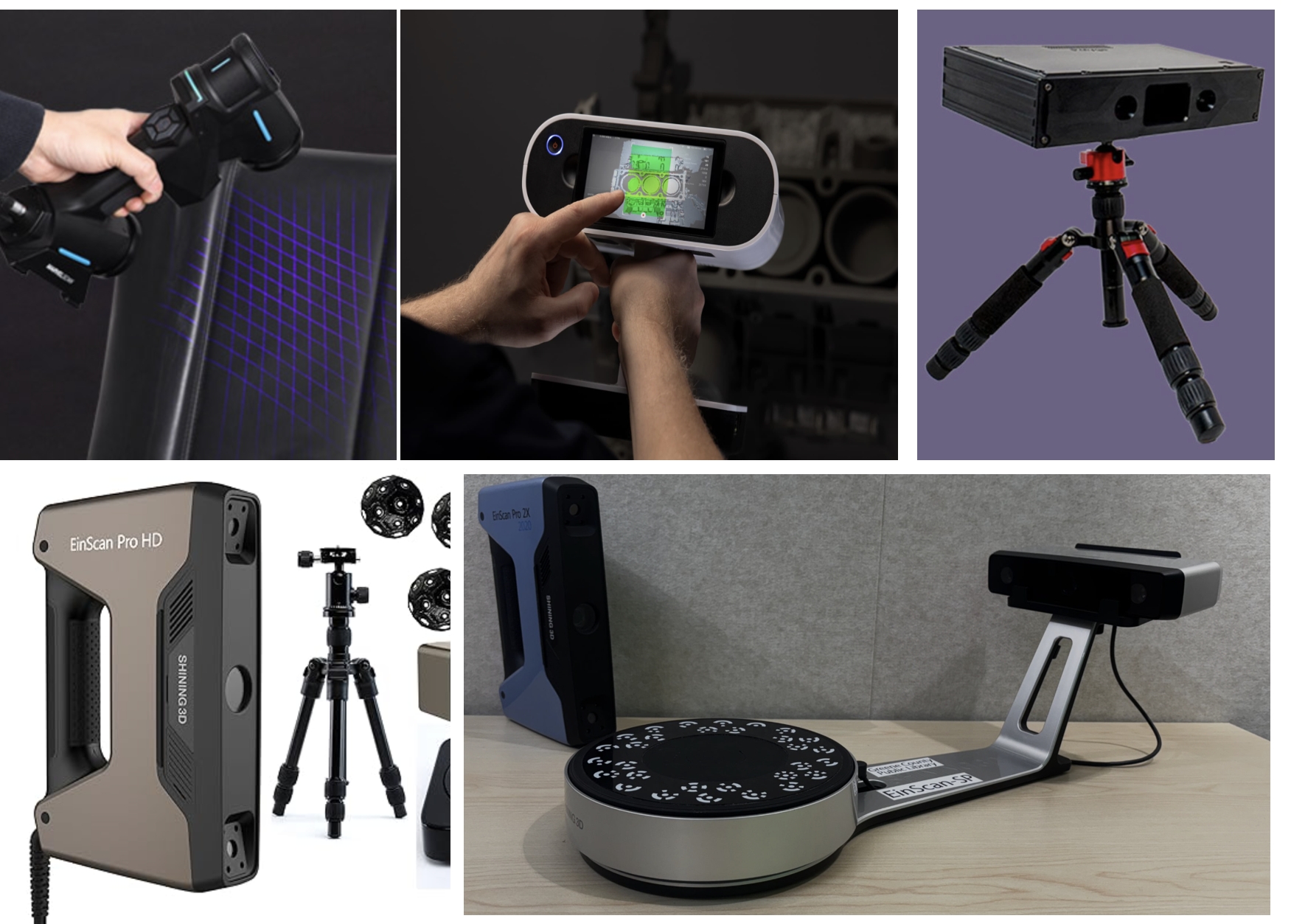
Handheld 3D scanners offer flexibility and ease of use, making them ideal for scanning objects of various sizes and in different environments. Some of the best options include:
1. Revopoint POP 3
Affordable and lightweight
High-resolution scanning with dual cameras
Works with Windows, macOS, Android, and iOS
Ideal for small to medium objects
2. Shining 3D Einstar
Budget-friendly with impressive detail
Full-color texture capture
USB connectivity for real-time scanning
Suitable for makers and small business owners
3. Creality CR-Scan 01
No need for markers during scanning
AI-powered automatic optimization
Great for scanning large objects
Works with Windows and macOS
DIY 3D SCANNERS
For makers and tinkerers, building a 3D scanner from scratch or using an open-source solution can be both cost-effective and rewarding. Some notable DIY options include:
1. Ciclop by BQ
Open-source laser scanner
Requires assembly and calibration
Works with Horus software
Best for scanning small objects
2. FabScan Pi
Raspberry Pi-powered DIY scanner
Affordable and customizable
Uses a turntable for improved accuracy
Ideal for educational projects
APP-BASED 3D SCANNERS
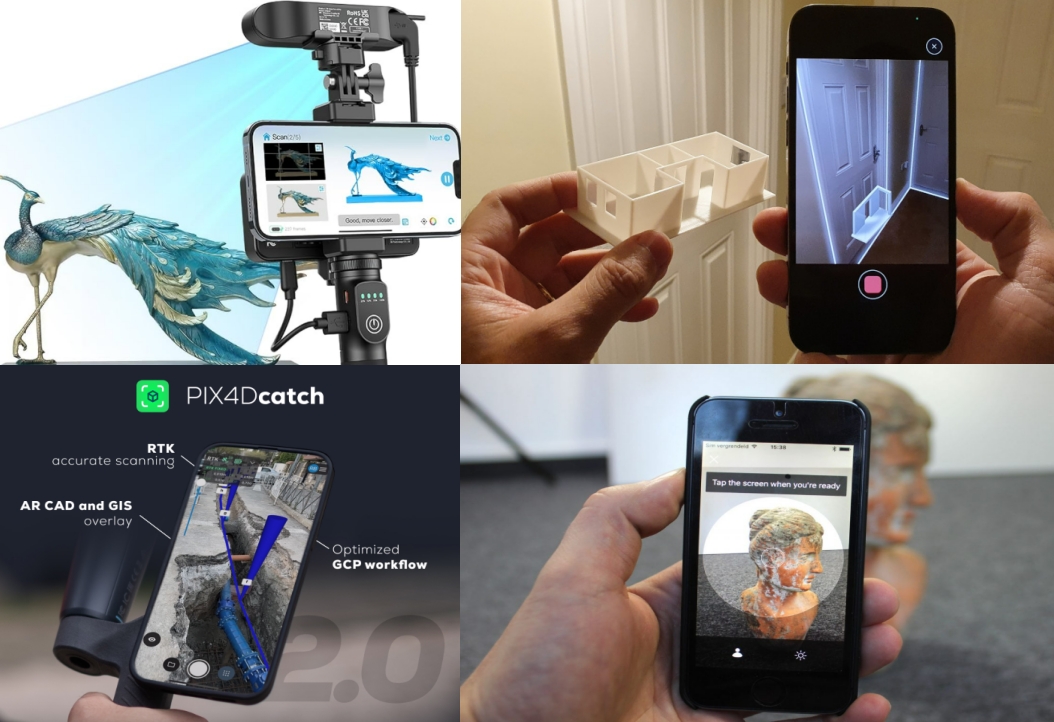
Smartphone apps have revolutionized 3D scanning, allowing users to capture objects on the go without additional hardware. Some of the best apps include:
1. Polycam
Uses LiDAR (for iPhone Pro models)
High-quality mesh and texture capture
Export to multiple formats
Great for scanning furniture, rooms, and small objects
2. Trnio
Works with standard iPhones and Android phones
AI-assisted photogrammetry
Affordable and easy to use
Best for scanning organic shapes and figures
3. RealityScan by Epic Games
Free app with high-quality photogrammetry
Simple interface for quick captures
Best suited for 3D modelers and game developers
CONCLUSION
Choosing the best 3D scanner depends on your needs and budget. Handheld scanners provide versatility and accuracy, DIY scanners offer a cost-effective and customizable option, and app-based solutions bring 3D scanning to your pocket. Whether you’re a hobbyist, an artist, or a professional, there’s a 3D scanning solution available to help you bring your ideas to life.